SIKAYD VERITY RP How to Play SIKAYD: VERITY RP
End-to-end flow from launch to logout—join, morph, explore, roleplay, and stay current after updates.
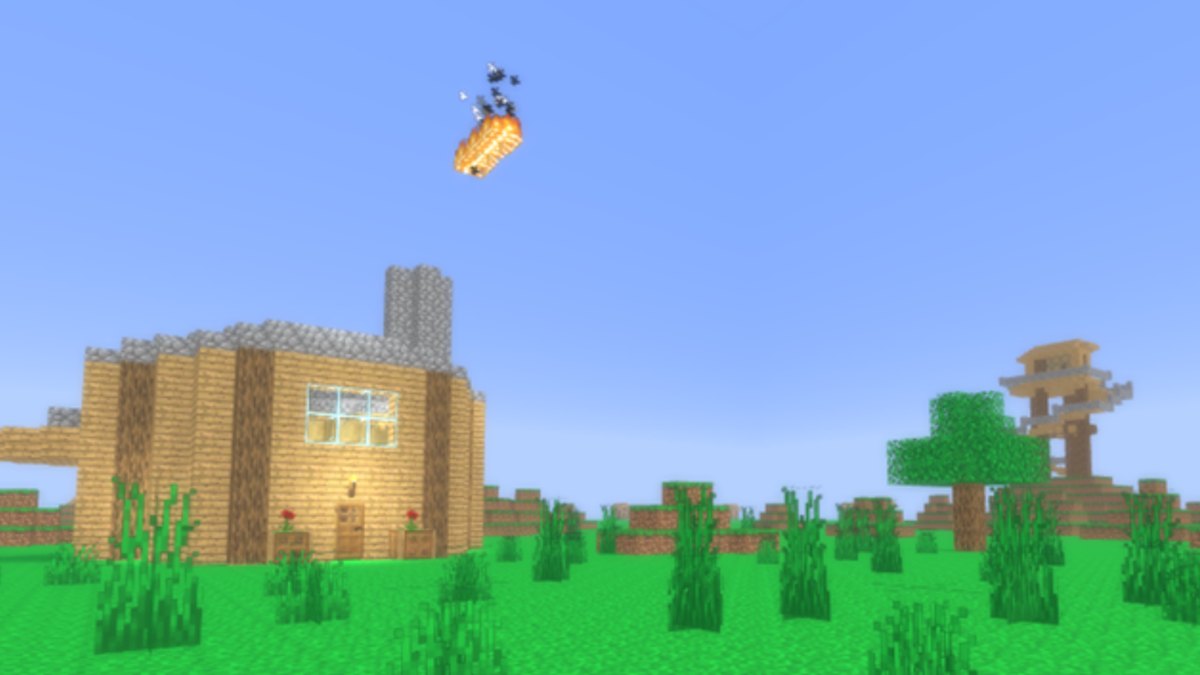
SIKAYD: VERITY RP is a free Roblox morph roleplay experience by c00lzerRSolo where you become Verity, ThatMob, or Twixxel and improvise scenes with strangers on a shared map. There is no combat progression, no gamepasses, no badges, and no active promo codes as of July 2026. This guide walks the full session loop—launch, morph, movement, exploration, roleplay, and logout—so you can play confidently without hopping between scattered wiki pages. Place 127329525207941 (Universe 10393707211) launched 2026-06-25 and received a July 27, 2026 patch adding a lookout tower and lighting improvements still current on July 31, 2026. Visits sit around 8.1M+ with typical peak CCU near 1–2k.
The embedded video “How to Play SIKAYD VERITY RP Roblox - Full Guide” is a real community walkthrough of this place—use it alongside the text steps below, then deepen with wiki morph and map pages.
New players should skim Getting Started first for safety basics. This page goes deeper on session structure and links specialized guides for each phase. If search results push you toward unrelated Verity horror experiences, read SIKAYD vs Other Verity before joining.
Phase 1: Launch and verify
- Open the official experience via Official Roblox Link—confirm creator c00lzerRSolo
- Pick a public server (max 50 players); see Server Tips for peak hours and lag
- Wait for spawn load; do not spam morph menu before your character appears
- If kicked during Shutdown = Update, read Shutdown = Update Guide before rejoining
Bookmark Updates Hub so you recognize when map landmarks change after patches.
Phase 2: Learn controls
Morph RP uses standard Roblox locomotion. Spend two minutes practicing before talking:
- PC — PC Controls for WASD, camera, chat, emotes
- Mobile — Mobile Controls for touch sticks and sensitivity
Goal: navigate spawn without blocking newcomers. Blocking spawn is the fastest way to frustrate veterans onboarding players referenced in Getting Started.
Phase 3: Morph into a character
Open the morph menu after spawn. Flow today (pre-UI-rework):
- Locate morph selector UI—labels may shift when Upcoming Features ships UI rework
- Preview Verity, ThatMob, or Twixxel
- Confirm selection; your avatar becomes the morph until you swap
Deep menu tips: How to Morph. Character personality: Morphs Hub—Verity, ThatMob, Twixxel.
| Morph | Playstyle hint | When to pick |
|---|---|---|
| Verity | Companion AI, horror or comedy | Most recognizable silhouette |
| ThatMob | Calm host, scene framing | Group RP or tours |
| Twixxel | Reactive partner | Duo banter with Verity |
Phase 4: Explore the map
Do a five-minute tour before heavy RP:
- Walk spawn and note player clusters
- Locate the lookout tower from the July update—Lookout Tower Guide
- Identify quiet corners vs main paths—Map Guide
Lighting after the July pass keeps night emotes readable without flat brightness—useful when partners need to see your cues. Future better map zones will expand routes; recheck Map Guide after those patches.
Phase 5: Roleplay with consent
Morph RP succeeds on opt-in scenes:
- Greet nearby players with clear tone (friendly OOC or IC)
- Propose a small activity—“quick tower walk yes/no”
- Respect no instantly; switch partners or solo explore
- End with a release line so nobody feels trapped
Full etiquette: How to Roleplay. Series tone context: Verity Lore Guide for ThatMob/Twixxel inspiration without confusing SIKAYD with separate horror experiences.
Phase 6: Use July 2026 features in scenes
The lookout tower enables vertical staging—Verity upstairs “monitoring,” Twixxel heckling below, ThatMob briefing a group on the platform. Combine with improved lighting for slow horror beats instead of jump-scare spam.
Sample micro-scene (ten minutes):
- ThatMob OOC invites opt-in group
- Walk to tower via Map Guide route
- Verity claims signal test; Twixxel demands proof
- End OOC thank-you; disperse
Use RP Scenario Helper to pick mood before climbing.
Phase 7: Mid-session swaps and breaks
You may change morphs mid-session—follow polite swap etiquette in How to Morph (finish active scene first, announce OOC). Take breaks during peak 1–2k CCU if lag spikes; Server Tips covers device-specific mitigations.
Phase 8: Track updates and codes honestly
During play, ignore chat strings claiming secret codes. Verify on Codes Hub—none active July 2026. After shutdowns:
- Read Roblox description
- Open July 2026 Update or Upcoming Features for roadmap context
- Re-read How to Morph if UI rework ships
Phase 9: End session and plan return
Before logout:
- Completed at least one opt-in scene
- Visited tower or main landmark once
- Bookmarked morph guide for your main pick
- Noted any lag issues for Server Tips troubleshooting next time
What playing SIKAYD is not
- Not a combat grinder—Morph Tier List ranks RP versatility
- Not a horror jump-scare simulator—consent first
- Not paywalled—ignore fake “VIP morph” Discords; see Community Hub Links
- Not the separate Verity horror walkthrough games—SIKAYD is morph RP on this place ID only
Related guides (reading order)
- Getting Started
- How to Morph
- How to Roleplay
- Map Guide + Lookout Tower Guide
- PC Controls or Mobile Controls
- Game Review if you want an honest meta take
Playing SIKAYD: VERITY RP is simple at its core: join, morph, explore, respect the lobby, repeat. Use this page as your session spine and drill into child guides whenever a phase needs more detail.
Frequently Asked Questions
Quick answers for SIKAYD: VERITY RP players.
What is the complete flow to play SIKAYD: VERITY RP?
Verify the official place, learn controls, morph, tour the map, run opt-in RP scenes, and check Updates Hub after shutdowns.
Which guide should I read before this one?
Getting Started covers first-day safety and spawn basics. This page assumes you want the full end-to-end session loop.
Do I need codes or gamepasses to play?
No. The experience is free with no verified active codes and no gamepasses as of July 2026.
How does the July 2026 update change how I play?
The lookout tower adds vertical staging and the lighting pass improves night emote readability. See Lookout Tower Guide for routes.
Where do controls and morph menus get explained in depth?
PC Controls, Mobile Controls, and How to Morph cover platform input and menu flow beyond this overview.